
How It Works
Your Scoreboard. Set Up in Minutes. Controlled by You.
No expensive hardware. No complicated installation. Create your virtual scoreboard and get ready for game day.
From Sign-Up to Scoreboard
From Sign-Up to Scoreboard in Just a Few Steps
Set up the board, shape the display, connect the screen, and control the action from the device that works best for your game-day crew.
Start
Create Your Scoreboard
Sign up and set up your team, game, and scoreboard.
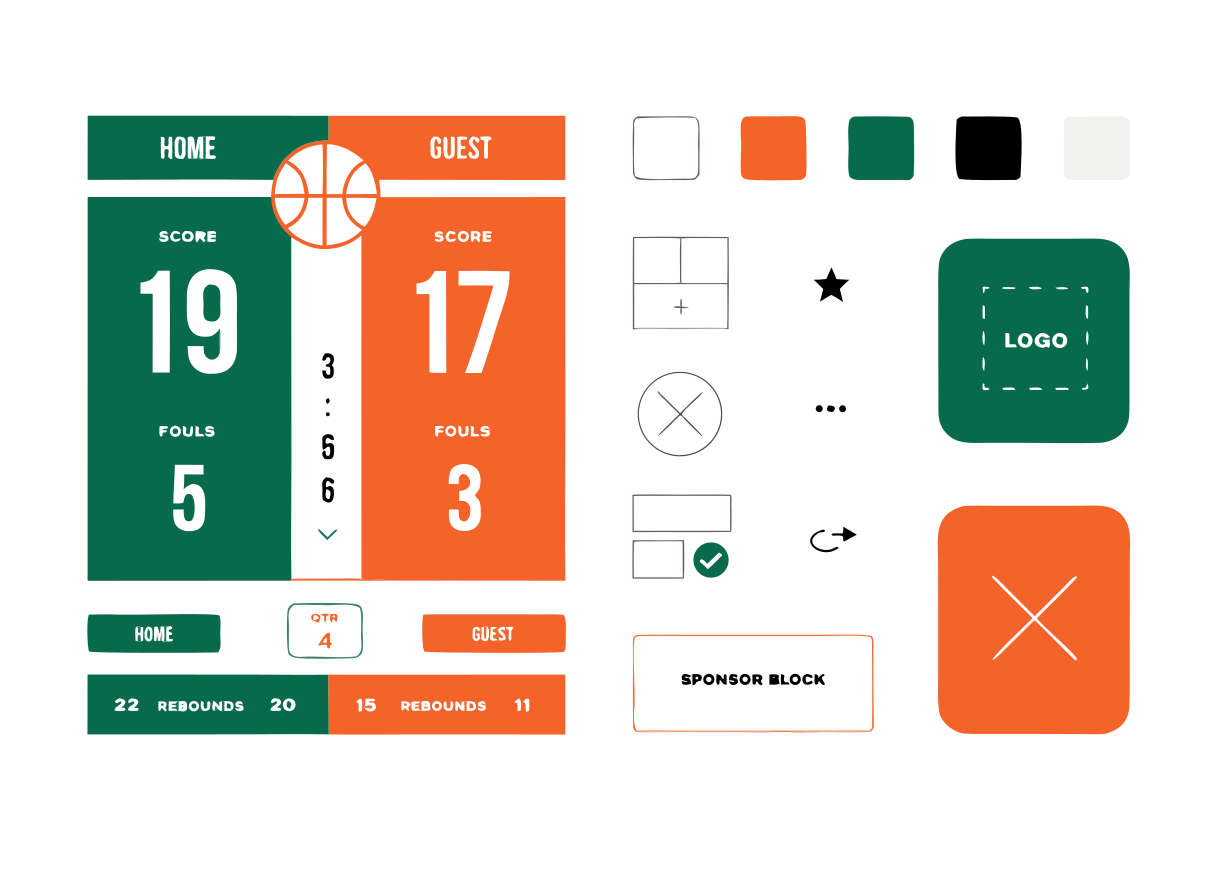
Brand
Customize Your Display
Add your team branding, colors, sponsor messages, and game information.
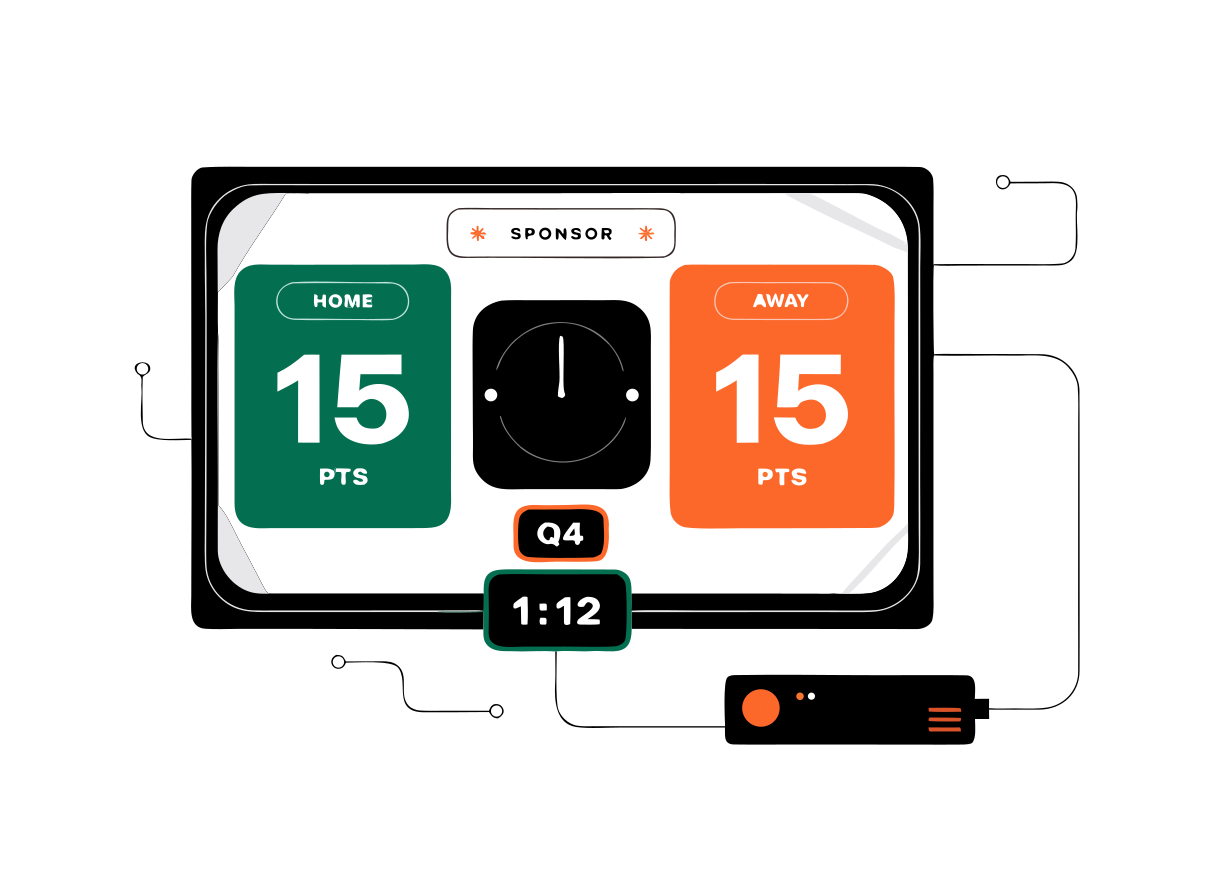
Display
Connect Your Screen
Display your scoreboard on a desktop, compatible TV, or Android TV.
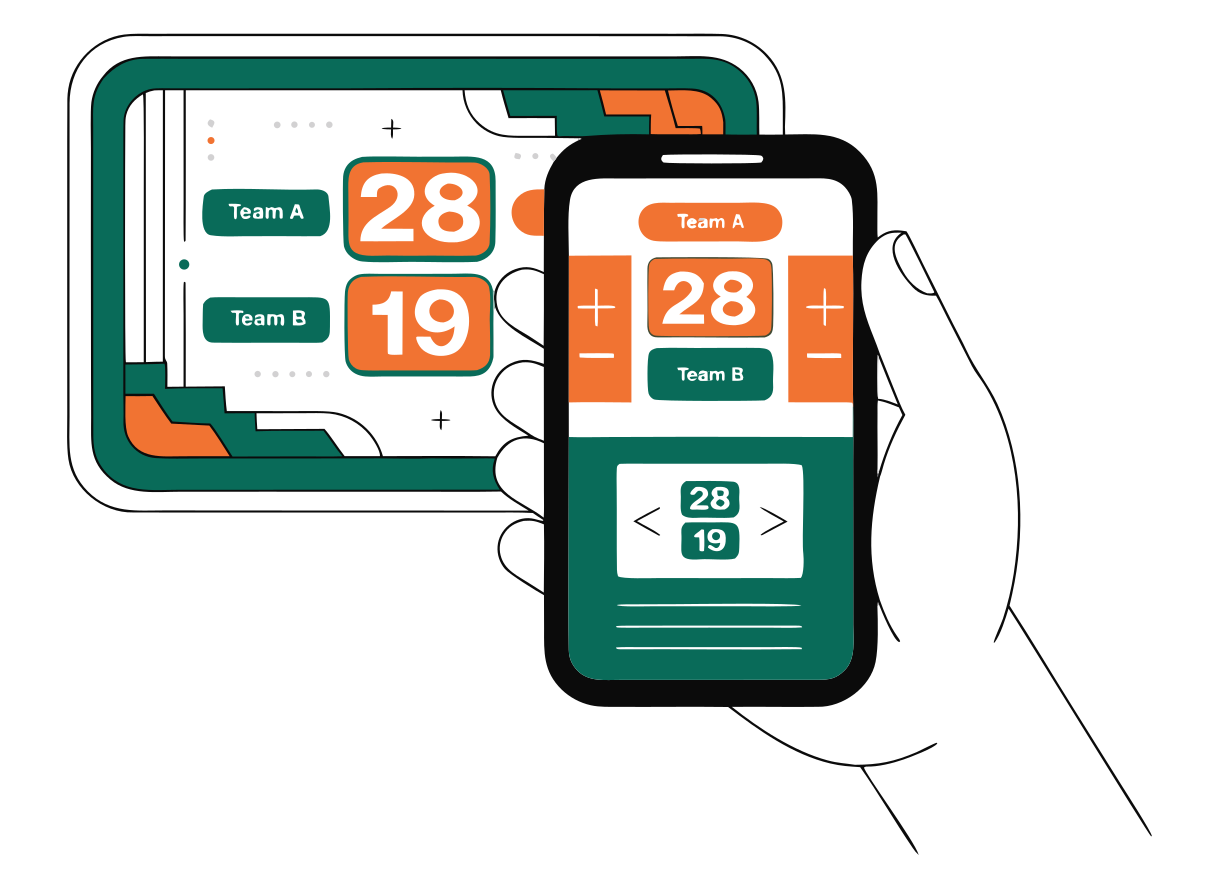
Control
Take Control of the Game
Update the score and clock in real time and keep your scoreboard current throughout the action.
Ready to Put Your Scoreboard on Screen?
Create your scoreboard, customize the display, and keep the game current from your phone, desktop, or Android TV setup.